Five product types
Physical goods, digital products, services, subscriptions and licenses. Goods track stock; subscriptions have a billing cycle, auto-renew and reminders; licenses have seats and a Key store.


One catalog for goods, services, subscriptions and licenses. Each product can carry several price types, a minimum-margin rule for quotes, and bulk loading from Excel or WooCommerce.
Prices live in several spreadsheets, one per customer group. New salespeople quote from memory and sometimes go below cost without anyone noticing.
hOne keeps products, price types, quantity-based prices and margin rules in one place. Quotes and orders read their prices from here, and you control who may see cost prices and each price group.
Physical goods, digital products, services, subscriptions and licenses. Goods track stock; subscriptions have a billing cycle, auto-renew and reminders; licenses have seats and a Key store.
Multi-level categories; manufacturers with country, website and logo. Attributes are grouped and filled in on the product's Attributes tab.
Enter options (for example Colour: Red, Blue) and click "Generate variants". Each variant has its own SKU, price and stock.
Create price types such as retail and dealer: fixed, percentage of base price, cost plus %, or multiplier. Prices by quantity and by term are supported; each price type can be restricted to chosen users.
The Product price manager is a grid for quickly editing cost, selling price and each price type across many products. Each product keeps a price history.
Scope a rule to categories, brands, products or customers. When someone quotes below the floor, the system warns, requires approval or blocks.
Download the Excel or CSV template and run an import with progress, success, failed and skipped counts; jobs can be re-run. You can also pull products from WooCommerce via REST API.
In the product form, "Write with AI" drafts a description in the tone, length and language you pick and suggests SEO keywords. AI never receives the cost price.
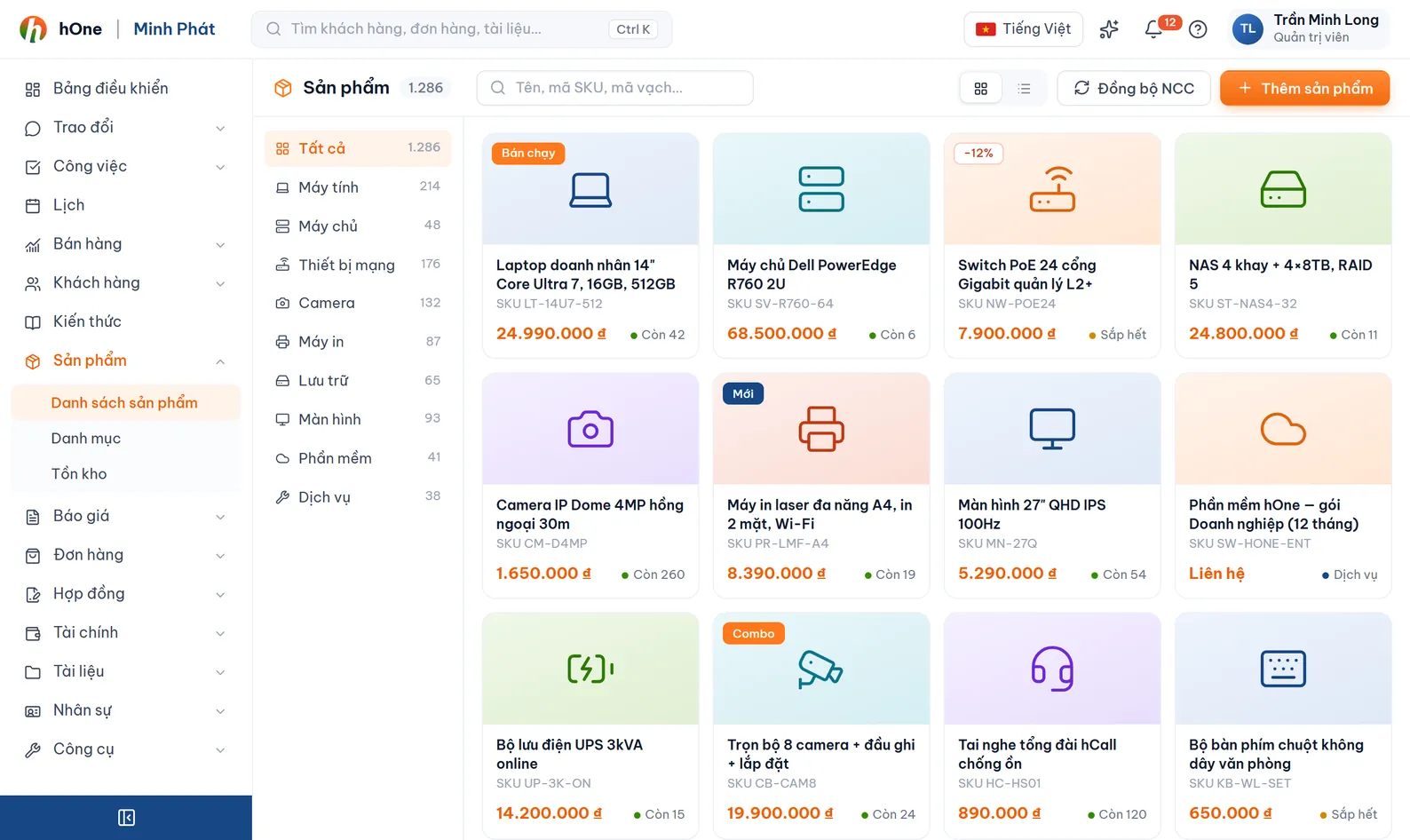
Create categories, manufacturers, attribute groups and price types in Product settings.
Add products one by one or import from Excel or WooCommerce. Fill in SKU, invoice name, cost, selling price and unit.
Enter prices per price type, quantity or term. Create minimum-margin rules for the product groups you want to control.
Quotes, orders and contracts pick products from this catalog; prices and margin warnings apply automatically.
Lan manages the catalog for Demo Store: retail customers and dealers buy the same model at different prices.
Variants are for physical goods. Services and subscriptions use term-based prices; subscriptions have a billing cycle, number of terms and auto-renew.
Depending on permissions. Cost price and price editing have their own permissions. Each price type can also be restricted: staff not on its list only see the default retail price, while admins see every group.
Yes. Each active price type is a column in the template; empty cells keep the old price. The price-edit permission is needed to update price columns. There is an option to update existing products.
Deleted products go to the "Deleted" view and can be restored. They only disappear when you purge them permanently.
hOne imports products from WooCommerce through its REST API and sends webhooks when products are created, updated or deleted.