An organized knowledge base
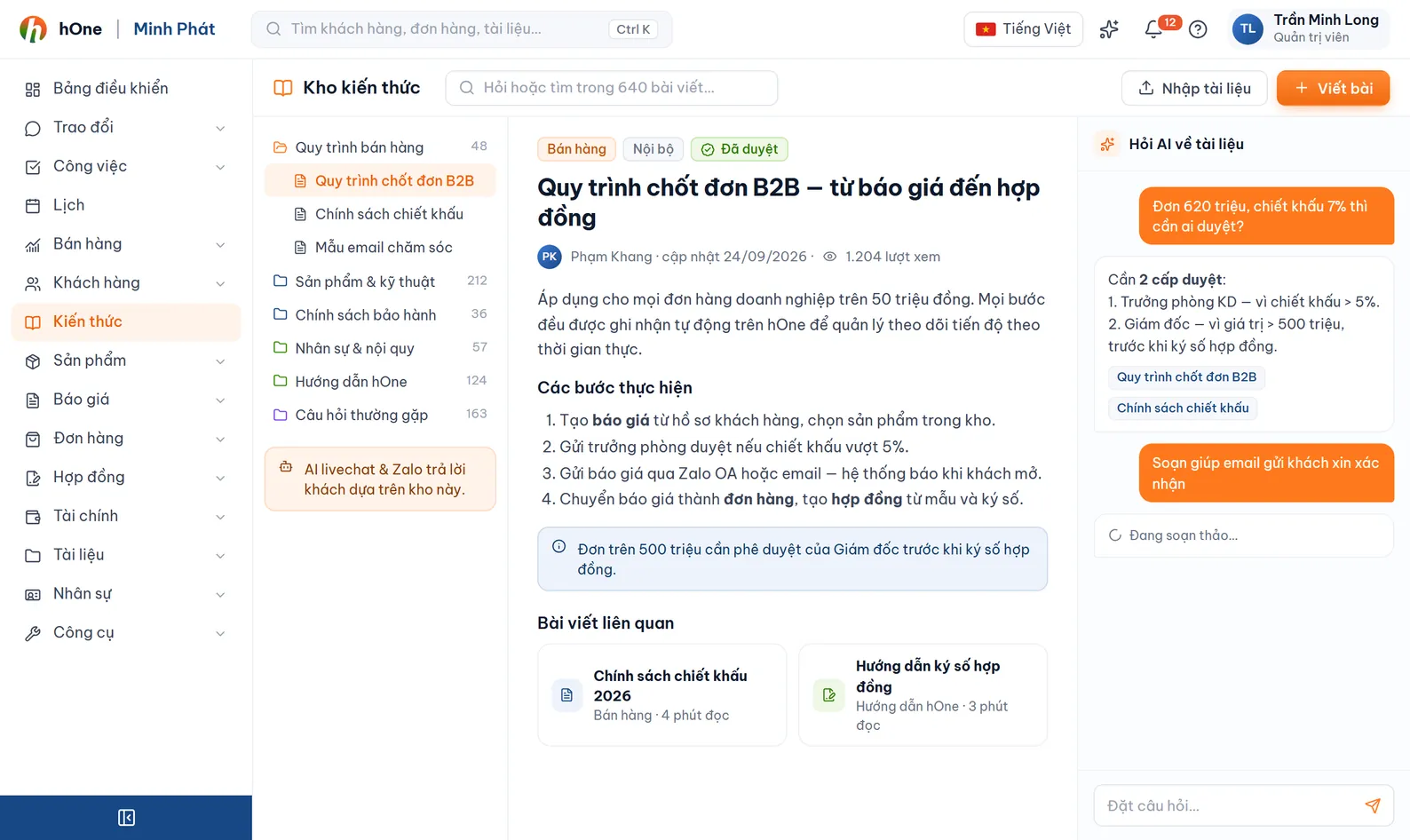
The Knowledge page has Overview, Library, FAQ, Web Sources, API Tools and AI Research. Documents are filed in categories, set public or private, written by hand or taken from PDF, Word or text.


AI answers well only when it knows your facts. The knowledge base keeps your documents and FAQs, AI tools let it look up real data in hOne, and the work assistant reminds staff what needs attention.
A bot that can only talk will sound reasonable even when it has no information. Companies do not dare let it answer real customers, and new staff do not know whom to ask.
You put knowledge in one place, switch on the lookup tools it may use and set how AI speaks. Before turning it on for real customers you test it in the AI Simulator. AI only looks up a customer orders after the customer is verified.
The Knowledge page has Overview, Library, FAQ, Web Sources, API Tools and AI Research. Documents are filed in categories, set public or private, written by hand or taken from PDF, Word or text.
Import .md, .json, .csv, html, pdf, docx, xlsx, txt or images: AI reads the content (with OCR), splits it into documents and suggests categories. Web Sources fetch web pages daily or weekly.
Enter a topic and AI finds sources and writes draft articles. You approve, merge or reject each one; drafts show a confidence score and a warning when they overlap the library. An admin enables it under Settings, AI.
AI looks up orders, quotations, contracts, products and customers, sends product images, exports PDFs and creates tasks. Orders, quotations and contracts are drafts only. Switch each tool on or off, add external APIs.
The customer must enter a code sent by email, SMS or a call that reads the code. You set the code length, validity, maximum wrong attempts and hourly send limits.
AI reads the intent and chooses: reply; reply and alert staff; only a holding message then handoff; or stay silent. Angry customers or those who need a person alert the owner.
The Work assistant page gathers each person tasks, conversations, quotations, orders and contracts, and flags items without a reply after X days. It has a Q&A chat and lets you mark items done or dismiss them.
Add documents and FAQs, import files or define Web Sources. Assign categories so AI can narrow its search.
In Chat config choose the allowed AI tools, set internal or external priority, and turn on Customer verification for sensitive actions.
The AI Simulator lets you play the customer and see AI answer, with the actions it called, before it runs for real customers.
Enable AI per channel account or Livechat widget, review intent labels and the actions AI performed, and fix content when an answer is off.
Công ty ABC loaded its return policy file into Knowledge and turned on the order lookup tool with email customer verification.
Language models can still be wrong, so hOne constrains it: AI looks up real data through tools, sees only a verified customer orders, write actions are drafts and need the customer to confirm the amount. Test in the AI Simulator before turning it on for real customers.
No. Drafts wait for approval; you approve, merge into an existing document or reject. An admin needs to enable AI Research under Settings, AI.
Public web pages you register by URL, with a category, frequency (manual, daily or weekly) and run time. An "AI analyze and auto-fill" button suggests the settings. If the content has not changed, hOne skips it.
Each document is Public or Private, with permissions to create, edit and delete your own documents, categories, FAQs and API tools. Knowledge can also be limited per channel account or widget.
AI runs on Google Gemini. Some background features such as scanning chats for tasks, drafting re-engagement messages and AI Research are charged per use, and each has a switch and daily cap so you stay in control.
Knowledge and the Work assistant are included from the Standard plan up. Your plan may differ, so ask hOne.